
Quick answer
Unplug the cable, hold the iPhone with the charging port facing down and tap it gently against your palm to let the water run out. Leave it somewhere dry with some airflow and wait at least 30 minutes before charging (up to 24 hours if the liquid alert keeps coming back). Vibration alone barely moves water in the port — gravity, tapping and time do the work. Don't use rice, heat, compressed air or cotton swabs.
The charging port is the one opening on your iPhone that sound can't clear: unlike the speaker, there is no membrane behind it to push water out. That's why iPhone XS, XR and later models warn you with "Liquid Detected in Lightning Connector" (or USB-C on newer models) and block wired charging until it dries. Here's what actually helps — and where a water eject app does and doesn't fit in.
On this page 6 sections
How to get water out of the charging port
- Unplug everything. Disconnect the cable and any accessory from the port. Charging with liquid inside can corrode the pins.
- Port down, tap gently. Hold the iPhone with the charging port facing the floor and tap it against your palm a few times so excess water runs out.
- Wipe the outside. Dry the area around the port with a lint-free cloth. Don't push anything into the port.
- Let it air-dry. Leave the iPhone in a dry place with some airflow, port down or on its side. A fan blowing cool air nearby is fine; heat is not.
- Wait before charging. Try charging after at least 30 minutes. If the alert appears again, there's still liquid — give it up to a day.
- Use wireless charging if you must. According to Apple, you can keep charging with a wireless charger while the port dries.
Where Clear Wave helps
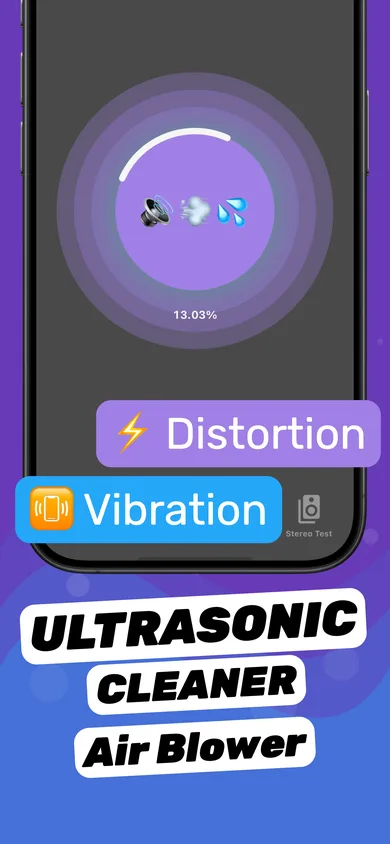
- Clear the speakers next to the port. Water that reached the port often reached the bottom speaker too. Run a water eject session with the bottom edge facing down.
- Turn on Vibration in the session. Vibration plus low-frequency sound helps shake droplets off the speaker grille right beside the port.
- Check the sound with the Stereo Test. Play left and right separately; if the bottom speaker is still muffled, run another session after the phone has dried a bit.
Does vibrating your phone get water out?
Only a little. The iPhone's vibration motor shakes the whole phone gently, which can loosen a drop at the edge of the port, but it doesn't create airflow inside the port. Tapping with the port facing down does more, and evaporation does the rest. For the speaker it's different: a low-frequency tone moves the speaker membrane itself, which pumps water out of the grille — that's what a water eject tone is for. See how to get water out of an iPhone speaker.
What not to do
- No rice. Apple says small particles of rice can get into the iPhone.
- No hair dryer or heat source.
- No compressed air — it can push water deeper.
- No cotton swabs, paper towels or toothpicks in the port.
- Don't ignore the alert unless it's an emergency — Apple offers an emergency override, but charging wet can damage the port and the cable.
The alert keeps coming back
If the alert returns after a full day of drying, the port may hold lint or corrosion that traps moisture, or the cable itself may be wet. Try a different, dry cable. If it persists, have the port checked by Apple or a repair shop. If the phone went into salt water, soda or chlorinated water, see what to do when an iPhone is dropped in water — Apple recommends rinsing those liquids off with tap water first.
Questions
How long does it take for the charging port to dry?
Often 30 minutes to a few hours. Apple says it can take up to 24 hours for the port to dry completely if the alert keeps appearing.
Can I charge my iPhone if water is in the charging port?
Not with a cable until the alert clears. Wireless charging is fine while the port dries, according to Apple.
Does a water eject sound clear the charging port?
No. Sound moves water out of the speaker grille, not the port. Use it for the muffled speaker next to the port; let the port air-dry.