
Quick answer
Take it out, wipe it, and don't charge it. Tap it gently against your palm with the connector facing down, leave it in a dry spot with airflow, and wait at least 30 minutes before charging (up to 24 hours if you see a liquid alert). To clear muffled sound, run a water eject tone with the speaker facing down. No rice, no hair dryer.
Modern iPhones are water-resistant (IP67 or IP68 depending on the model), so a quick dunk is usually survivable. But water resistance isn't waterproof, it wears down over time, and liquid damage isn't covered by Apple's standard warranty. What you do in the next half hour matters.
On this page 5 sections
What to do right now
- Get it out and power down if it acts strangely. If the screen flickers or the phone behaves oddly, turn it off.
- Remove the case and SIM tray only if it's wet inside. Wipe everything with a soft, lint-free cloth.
- Rinse if it wasn't fresh water. Apple's guidance for splash-resistant iPhones: if exposed to anything other than water (salt water, soda, chlorinated pool water), rinse the affected area with tap water, then wipe and dry.
- Tap out the connector. Tap the iPhone gently against your hand with the charging port facing down.
- Clear the speakers with sound. Speaker down, 70–80% volume, water eject tone for 30–60 seconds, 2–3 times.
- Air-dry before charging. Leave it in a dry area with airflow. Wait at least 30 minutes; if a liquid-detected alert appears, wait until it clears (up to 24 hours).
Get your sound back with Clear Wave
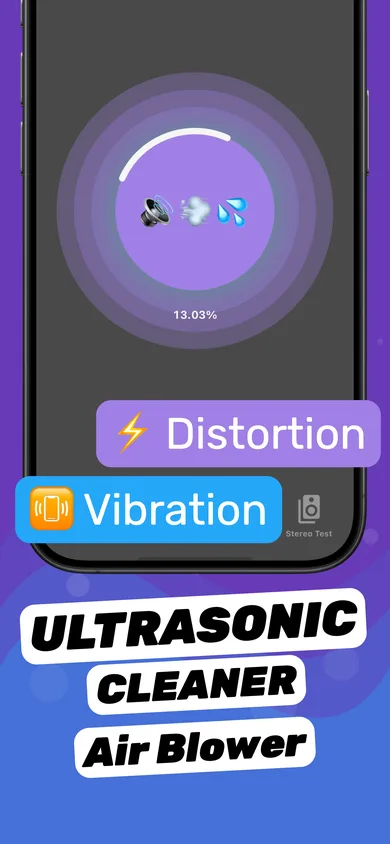
- Run a Water Eject session. Bottom speaker facing down first.
- Flip for the earpiece. Run another session with the top of the phone facing down.
- Check both channels. Use Stereo Test to confirm left and right sound equally clear.
- Repeat after drying. After an hour, run one more session — water can migrate back to the grille.
"Liquid Detected in Lightning / USB-C Connector"
iPhone XS, iPhone XR and later can warn you when there's liquid in the charging port. When you see it, unplug the cable, tap out the water, and let the phone dry. Don't use the "Emergency Override" to charge unless it's an emergency. Apple notes that you can still charge with a wireless charger while the port dries.
What not to do
- Rice — Apple says don't: rice dust and particles can get into the phone.
- Hair dryer, oven, radiator — heat harms the battery and seals.
- Cotton swabs or paper towels in the port.
- Charging while wet.
Questions
How long should I wait to charge an iPhone after it gets wet?
Apple recommends waiting at least 30 minutes, and up to 24 hours if the liquid-detected alert keeps appearing.
Is my iPhone waterproof?
No iPhone is waterproof. iPhone 7 and later are water-resistant (IP67 or IP68). Resistance decreases with age and wear.
My iPhone fell in the toilet — what should I do?
Take it out, rinse the outside briefly with clean tap water, dry it, run water eject cycles for the speaker, and let it air-dry before charging.
More answers