
Quick answer
The "Water Eject" Siri Shortcut is a community-made shortcut that plays a 165 Hz tone. It isn't made by Apple, has to be imported from a third-party site, and can break after iOS updates. A water eject app like Clear Wave does the same job with one tap, works offline and adds stereo, tone and dB tests.
Search "water eject iPhone" and you'll find the famous shortcut. It's clever — but people regularly hit "this shortcut can't be opened", missing permissions, or a tone that plays too briefly. Here's how it works, how to fix common problems, and when an app is simply easier.
On this page 5 sections
How to fix a water eject shortcut that isn't working
- Update iOS and the Shortcuts app. Older shortcut versions can break on new iOS releases. Get the latest version from the shortcut author.
- Re-download the shortcut. Delete the old one in Shortcuts, then add it again from the author's page.
- Allow the permissions it asks for. The first run asks to access the internet or play audio — tap Allow.
- Turn off silent mode and raise volume. Some shortcut versions play through the ringer volume.
- Run it 2–3 times with the speaker down. One run is often too short for heavy exposure.
The one-tap alternative: Clear Wave
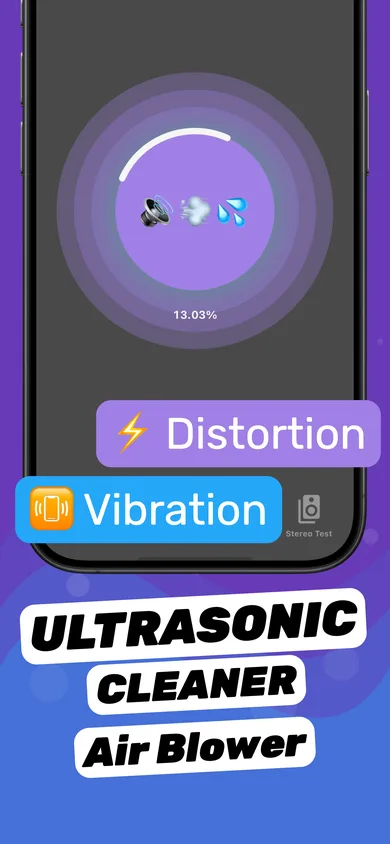
- Install Clear Wave from the App Store. No shortcut import or untrusted-shortcut settings needed.
- Tap to start a Water Eject session. Speaker facing down, volume ~75%.
- Verify with Stereo Test. Check left and right channels — something a shortcut can't do.
Shortcut vs. app
| Water Eject Shortcut | Clear Wave app | |
|---|---|---|
| Made by | Community author (not Apple) | Independent developer, App Store reviewed |
| Install | Import link from a third-party site | App Store |
| Breaks after iOS updates | Sometimes | Updated through the App Store |
| Session progress | No | Yes |
| Stereo, tone and dB tests | No | Yes |
| Price | Free | Free download, optional Pro |
Does the iPhone have its own water eject?
No. Apple Watch has Water Lock, which plays a tone to clear its speaker, but the iPhone has no built-in equivalent. That's why the shortcut and apps exist. Details: Does the iPhone have a built-in water eject?
Questions
Is the water eject shortcut made by Apple?
No. It's a community shortcut shared on sites like RoutineHub. Apple's built-in water eject exists only on Apple Watch (Water Lock).
Why does my water eject shortcut say it can't be opened?
Usually because it was built for an older iOS version or the link expired. Re-download the latest version, or use an app instead.
What frequency does the water eject shortcut use?
The popular versions play a tone around 165 Hz.