
Quick answer
A muffled iPhone speaker almost always means water or debris is covering the speaker mesh. Face the speaker down, set volume to ~75% and play a low water eject tone (≈165 Hz) for 30–60 seconds, 2–3 times. Tap the phone against your palm and let it air-dry. Sound usually clears within minutes.
If your iPhone sounds like it's talking through a pillow, the speaker is working — something is just in the way. A film of water across the grille damps the high frequencies first, which is why voices lose clarity before the bass does. That's good news: it's a mechanical problem, not an electronic one, and you can clear it.
On this page 5 sections
How to fix a muffled iPhone speaker
- Check what's muffled. Play a voice video. If only calls are muffled, it's the top earpiece; if music and videos are, it's the bottom speaker (or both).
- Face the muffled speaker down. Bottom edge down for the main speaker, top edge down for the earpiece.
- Play a water eject tone at 70–80% volume. Run it for 30–60 seconds and watch for droplets on the grille.
- Repeat 2–3 times and wipe. Wipe between cycles with a lint-free cloth.
- Let it dry, then retest. Leave it somewhere with airflow for 30 minutes and play the same video again.
Fix muffled sound with Clear Wave
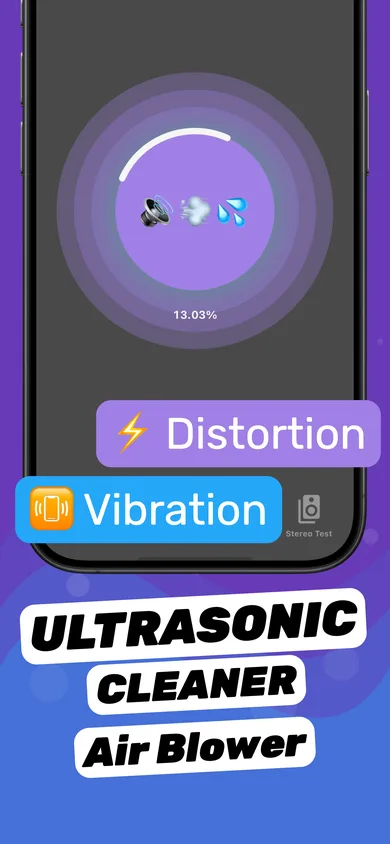
- Start a Water Eject session. Tap the circle on Clear Wave's main screen with the muffled speaker facing down.
- Flip and repeat for the earpiece. If calls are muffled too, run a second session with the top of the phone facing down.
- Run the Stereo Test. Turn on each channel separately. The cleared speaker should sound as crisp as the other one.
Why a wet speaker sounds muffled
A speaker makes sound by moving a thin membrane that pushes air. Water adds weight to the membrane and blocks the tiny holes in the mesh, so high frequencies — the "s" and "t" sounds in speech — get absorbed. What's left is the low, blurry "underwater" sound. Remove the water and the clarity comes straight back.
Muffled but not wet?
- Dust and lint build up over months and cause the same effect gradually. See how to clean an iPhone speaker.
- A screen protector or case covering the earpiece or bottom grille.
- Audio routed elsewhere — make sure sound isn't going to AirPods or a Bluetooth speaker (Control Center → AirPlay).
- Damage — if it's distorted as well as muffled, read iPhone speaker crackling.
Questions
Will a muffled iPhone speaker fix itself?
Often, yes, once the water evaporates — but that can take many hours. A water eject tone clears it in minutes.
Why is only my call speaker muffled?
The top earpiece has its own grille. Point the top of the phone down and run the water eject tone again, or check for a screen protector covering it.
My speaker is muffled after a shower — is it damaged?
Almost certainly not. Steam and splashes condense in the grille. One or two water eject cycles usually fix it.